
Welcome to the end-of-year edition of our blog roundup! Each month, we highlight our 2Pint Software team’s industry-leading insights into OS deployment, network and bandwidth optimization, and modern content delivery. Buckle up, because this is an epic installment headlined by not one but two exciting product launches, conference summary, webinars, and blog posts from our engineering team. Let’s dive in!
Jumping straight into the two biggest events, we released our next-generation OS deployment tool – DeployR on Nov. 30. And we followed that up on Dec. 8 with the release of StifleR 3.0, the latest version of our flagship network and bandwidth management product. What a busy and exciting week and a half!
DeployR is a new and uniquely capable OS deployment solution that replaces MDT and other obsolete tools. It allows IT administrators to remotely monitor and troubleshoot deployments for Windows, Linux and ChromeOS from cloud or on-premises, in real time. It has a powerful task sequence engine and leverages peer-to-peer content distribution to reduce load on the network during mass deployments. Visit the DeployR product page to learn more and watch a video introduction.
Just eight days later, we officially launched StifleR 3.0, which sets a new standard for real-time content and bandwidth management with deployment insights. This benchmark upgrade provides 300% more analytics data points for deeper operational intelligence as well as greater visibility and control over content distribution. We’ve replaced manual editing of the configuration file with a guided Configuration Wizard to reduce errors and simplify the installation process, and modern authentication via single sign-on and federated identity is now integrated. There’s so much more that we’re excited to share – read the full announcement on our blog, or check out the StifleR product page to learn more.
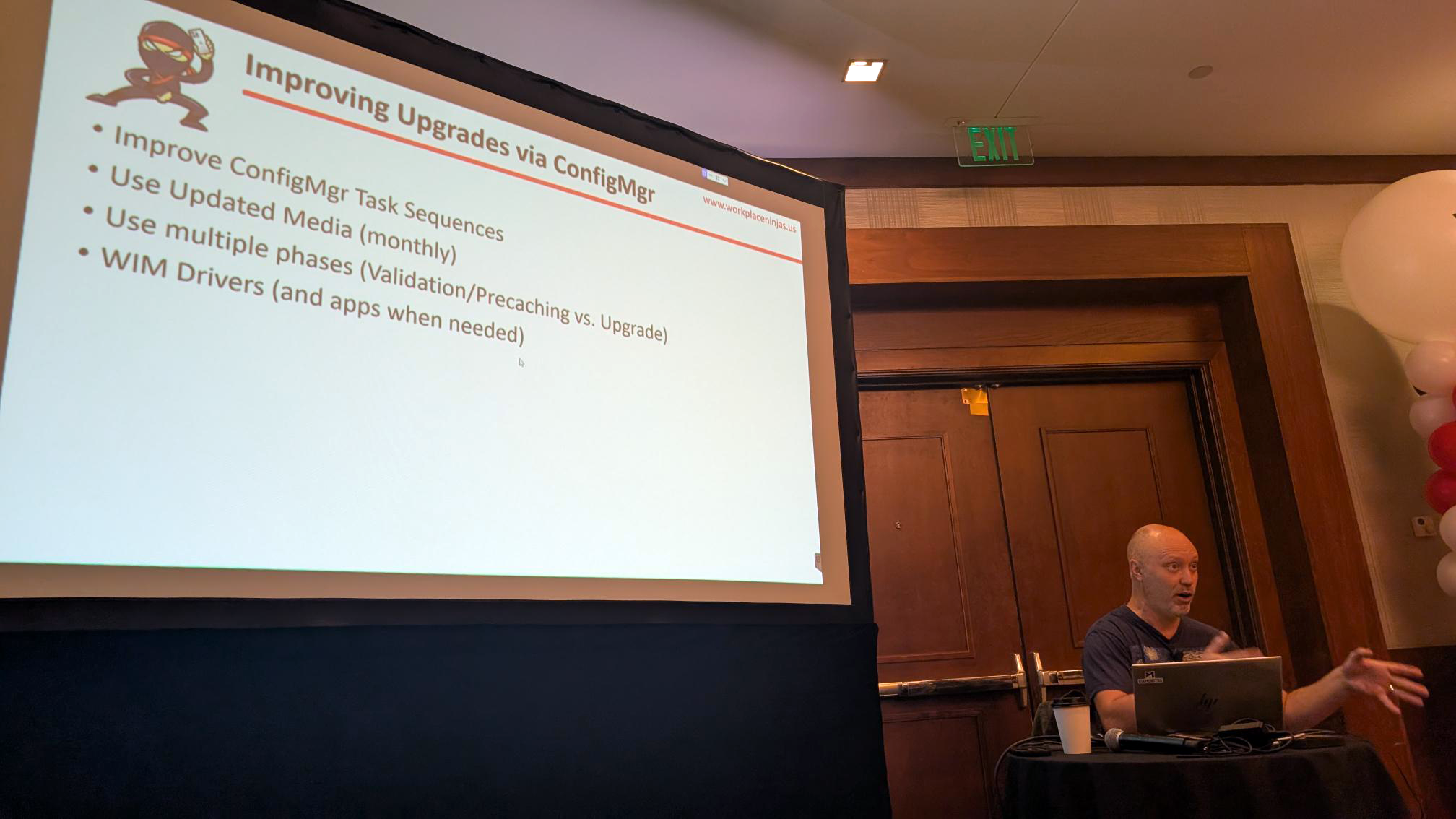
2Pint Software was well-represented in Dallas for Workplace Ninjas US from Dec. 8-10. Michael Niehaus helped run a hackathon on Monday, and then gave a presentation Wednesday on Old-Time OS Deployment for the “Modern” Customer.

Johan Arwidmark was also busy, speaking on The Future is Cloud Native, and then, on the following day, giving a talk on Beyond Deployment: Sustaining Windows 11 Excellence. The conference was well attended and the organizers and presenters will look to build the momentum with the next US event in Scottsdale, AZ from Jan. 11-13, 2027.
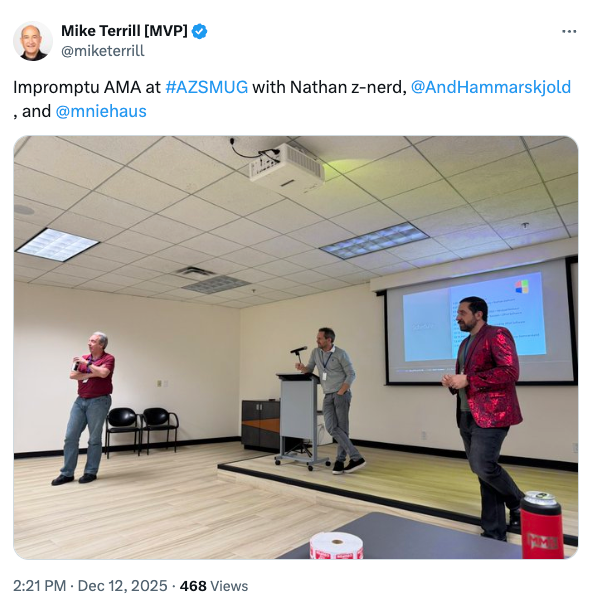
Following WP Ninjas US, Michael Niehaus and Andreas Hammarskjöld travelled on to Arizona to connect with Mike Terrill for the Arizona Systems Management User Group (AZSMUG) Q4 meeting on Dec. 12. Michael and Andreas each gave talks, 2Pint Software sponsored lunch, and there was time for an impromptu AMA with Microsoft MVP in Endpoint Management and PowerShell Nathan Ziehnert joining the 2Pinters to answer technical questions.
Gary Blok has always been generous in sharing his expertise on garytown.com and a couple of late 2026 posts will be useful to many folks working in endpoint management.

In November, Gary shared resources for managing Dell BIOS settings during OS deployment with DeployR. The GitHub repository scripts cover both CCTK and native WMI methods, and this post explains when you’ll want to use on or the other.
Gary then played Santa in December by gifting us all with a customizable frontend for OS deployment that plays nice with both ConfigMgr and our own DeployR. Finding existing options limited in various ways, Gary decided to build a PowerShell-driven GUI that reads options from a JSON file and sets task sequence variables accordingly. Tabs for managing computer names, workplace join, roles, software selection and easily accessing hardware information provide extensive customization support.
Johan Arwidmark shared another of his own useful scripts. This time, it’s to disable Windows updates during OS deployment with ConfigMgr to ensure Windows doesn’t disrupt a task sequence, interfere with app installations, or cause completion time to increase significantly. Johan provides a clear step-by-step run-through of how to edit the task sequence with numerous visuals. Grab the scripts – including a restore script – from his GitHub.
Even with our product development and engineering teams working hard on the DeployR and StifleR 3.0 releases, they still found time to host three webinars for existing and prospective customers.
Mattias Benninge and Niklas Larsson hosted Managing Non-Peerable Networks with StifleR on Nov. 20. The session explained how StifleR is designed to enhance network efficiency even in environments that don’t support peer-to-peer distribution. Attendees learned how StifleR manages content distribution through centralized control and intelligent throttling, and how it ensures that bandwidth is effectively allocated to avoid network congestion.
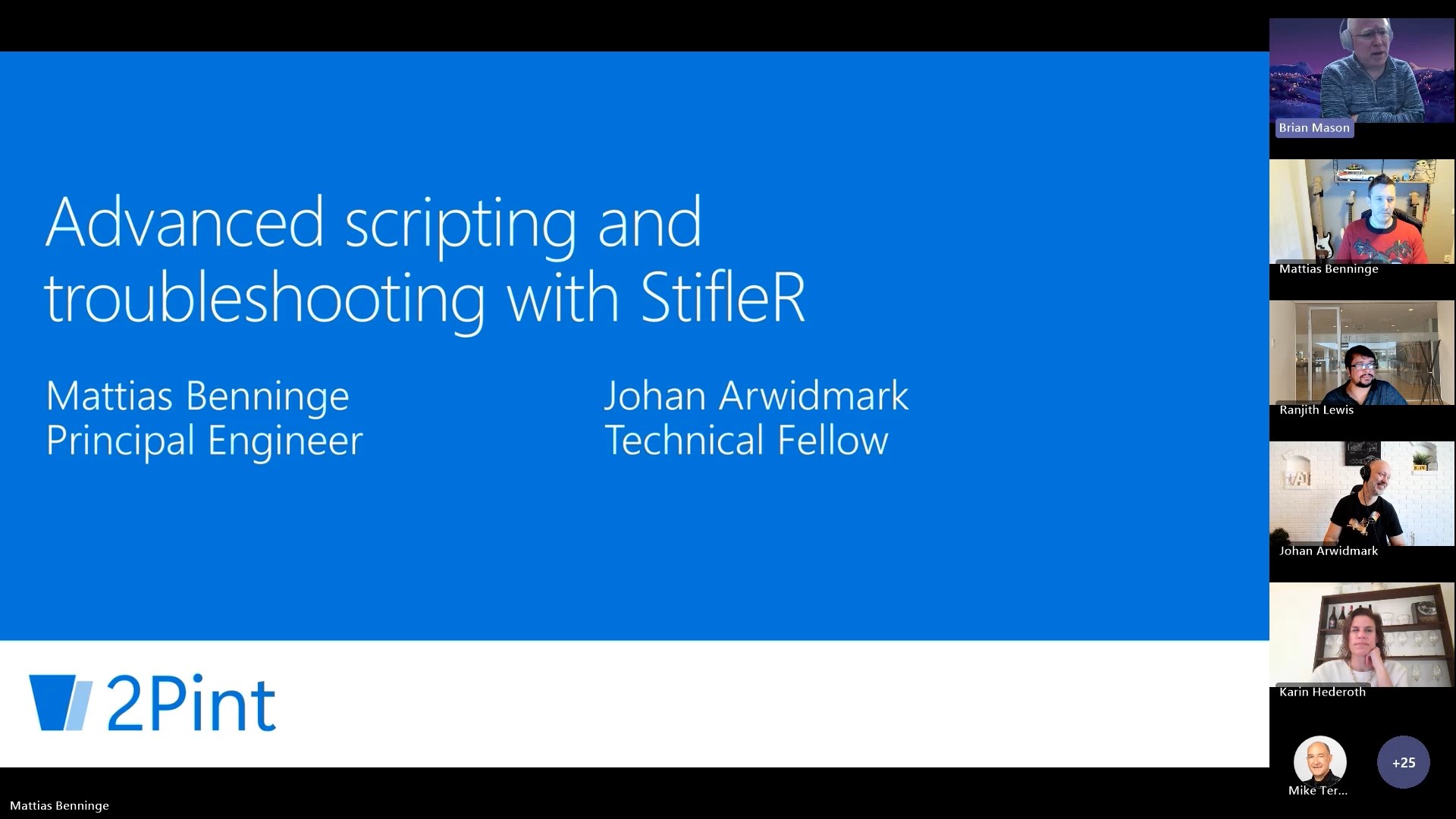
Mattias and Johan followed that up with a webinar on Advanced Scripting and Troubleshooting with StifleR on Dec. 4. Attendees learned how to script and automate complex network management scenarios using the StifleR Web API and WMI Provider. The webinar covered writing custom PowerShell scripts to control throttling, troubleshooting network performance using scripted diagnostics and other ways to leverage the powerful capabilities of StifleR. Watch it on YouTube to learn more about advanced scripting with StifleR.
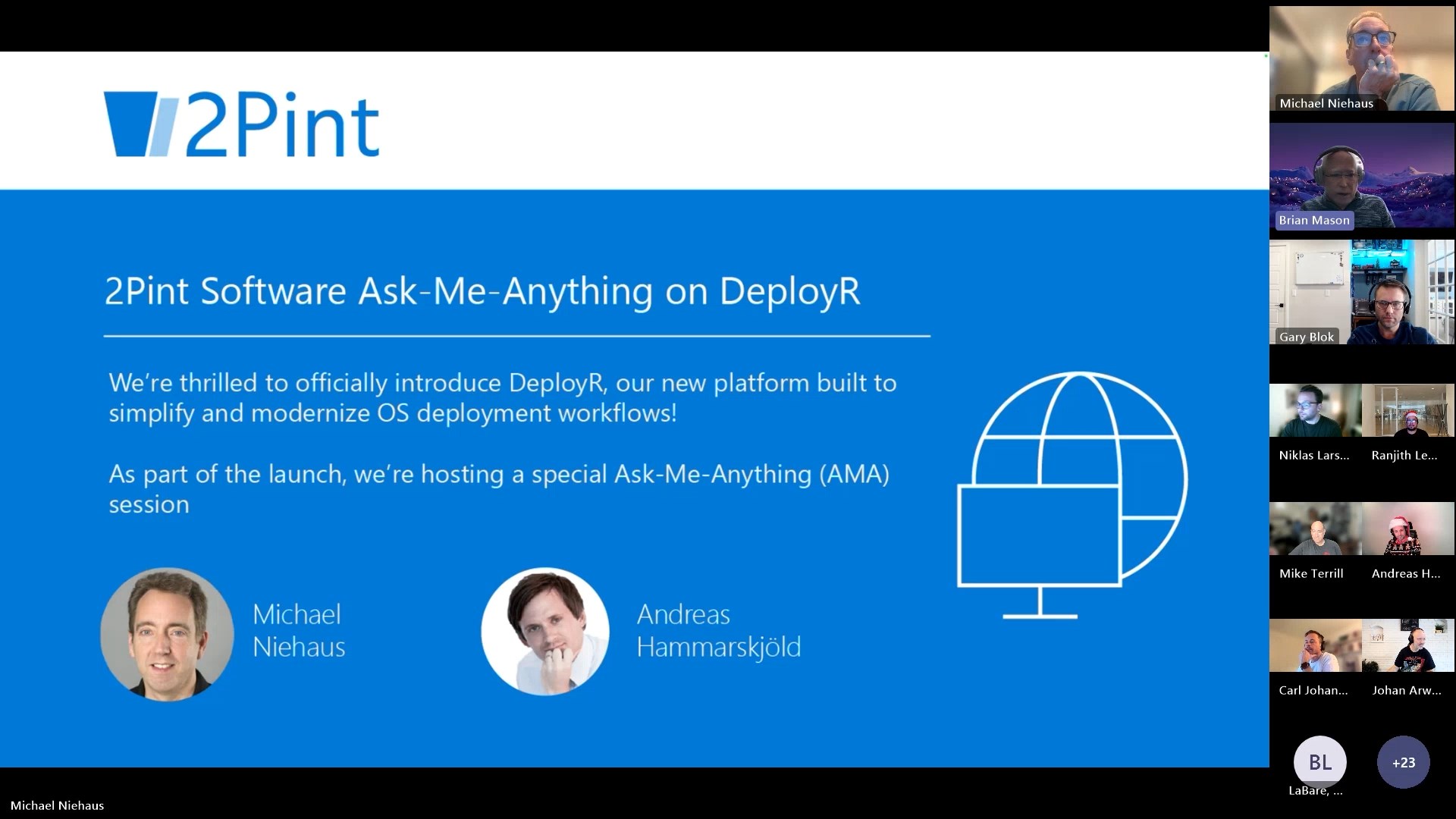
To close out our 2025 webinar schedule we held an Ask-Me-Anything session to support the launch of DeployR. Brian Mason hosted, Michael Niehaus and Andreas Hammarskjöld led the discussion, and we had all the big guns from our technical team on hand, including some in holiday sweaters. The webinar was an opportunity for systems management folks to bounce DeployR questions and ideas off our capable crew and it was a great way to close out the year before the holidays. If you missed it, catch it on our YouTube channel.
To support the release of DeployR, we also posted three new videos to YouTube. Together, they cover the sequence of steps needed to install DeployR, starting with the DeployR Prerequisites Guide, continuing with the DeployR iPXE Anywhere Installation Guide, and concluding with the DeployR Installation Guide.
Collectively, this series of guides is less than 45 minutes, and it’s time well spent if you are serious about next-generation OS deployment. If you have any questions or comments, add them to the conversation, and if the videos are helpful, feel free to give us a thumbs up!
That closes out 2025. We at 2Pint Software are super excited for the year ahead. Expect more video installation guides, expanded documentation with quick start guides, more knowledge base articles, new blog posts, and other informative content. We’ll be hosting more webinars (check back soon!) and will be sponsoring or attending numerous conferences. Join us for the ride!

Top Posts
2Pint Software blog roundup - spring 2026 edition
2Pint Software welcomes Nathan Ziehnert to the team!
2Pint Software welcomes Christian I. Nilsson to the team!
By David Meurer

By Andreas Hammarskjöld
By Andreas Hammarskjöld
By David Meurer