

DeployR Enterprise
Next-generation operating system deployment and bare-metal provisioning.
A single, standardized solution to boot, build, recover and provision at scale.
- Deploy Windows, Linux, and ChromeOS from cloud or on-premises
- Remotely monitor and troubleshoot deployments in real time
- Integrate with Windows Autopilot for device provisioning
- Recover devices from misconfiguration or cyberattack
- Replace Microsoft Deployment Toolkit (MDT) or other obsolete tools
DeployR Enterprise
A unified, fully automated platform delivering standardized, scalable device provisioning and recovery across all operating systems and hardware environments
DeployR Enterprise
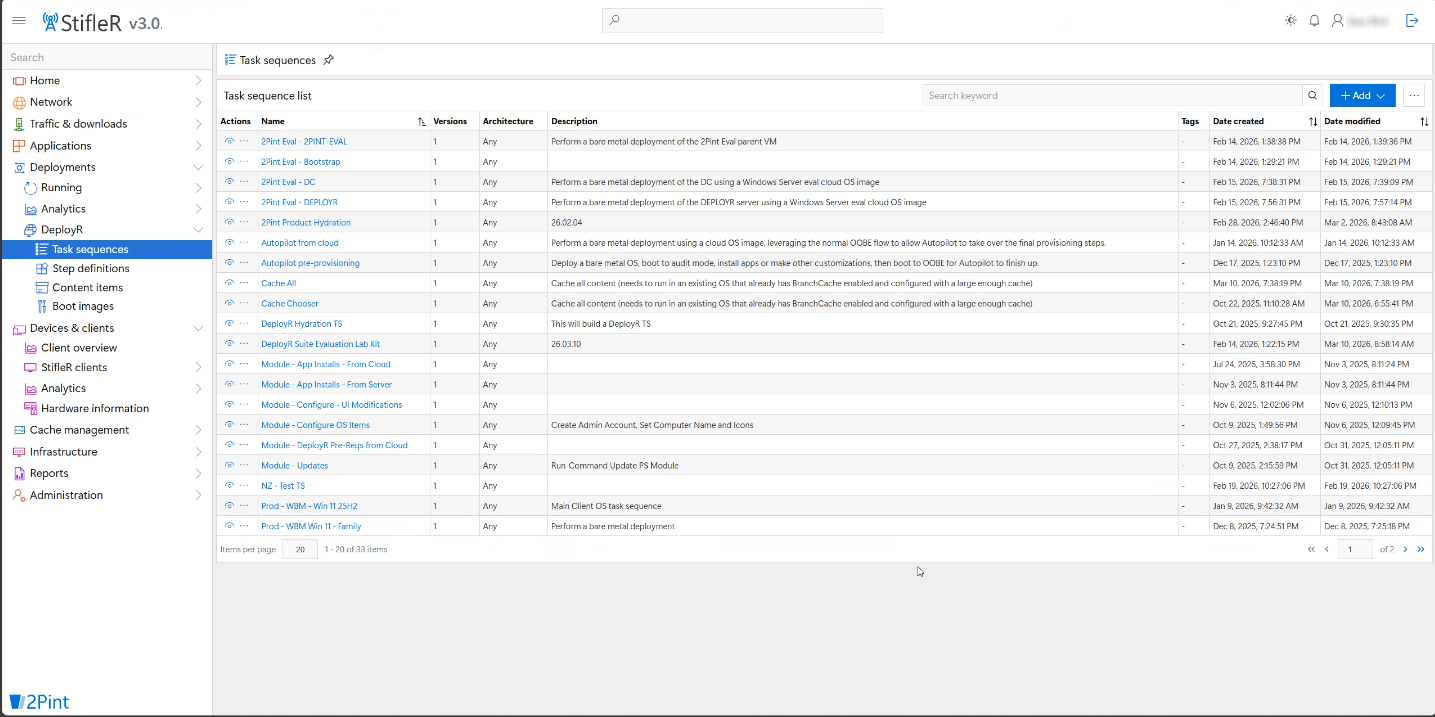
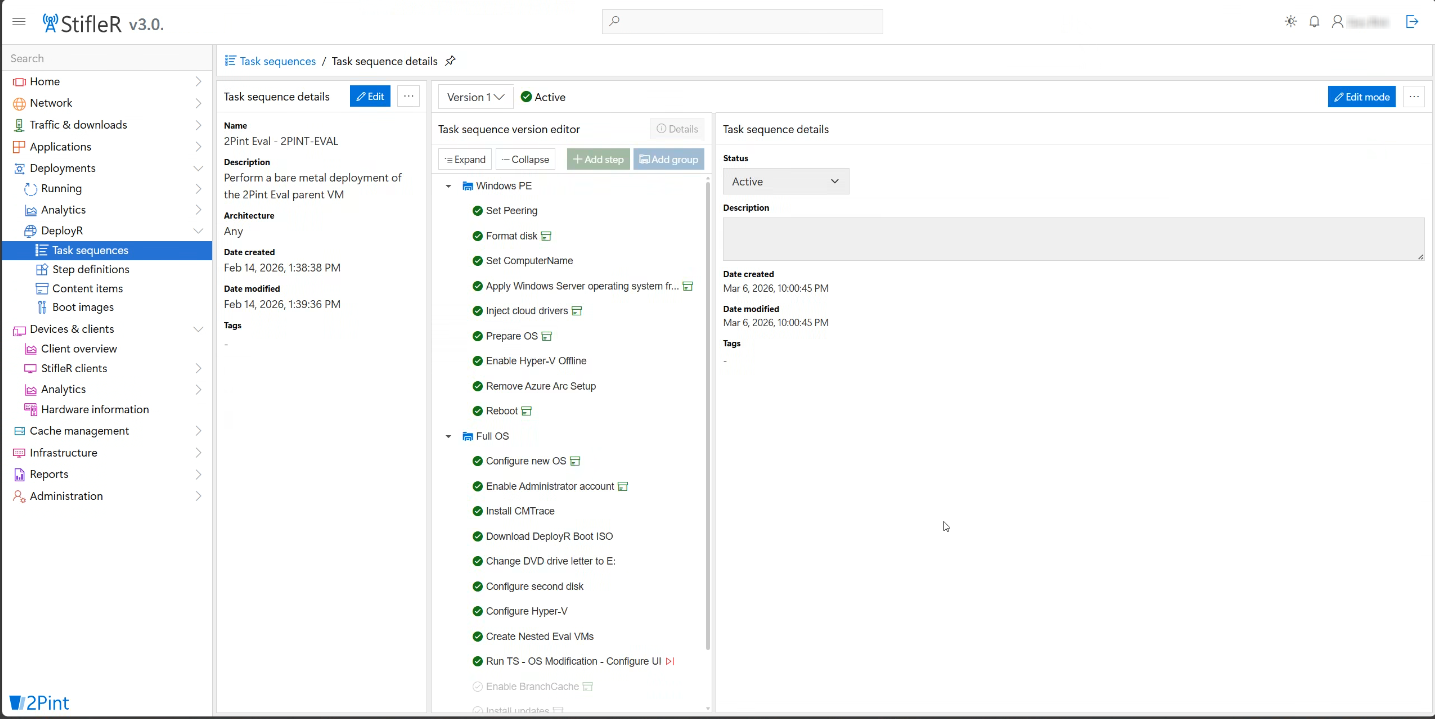
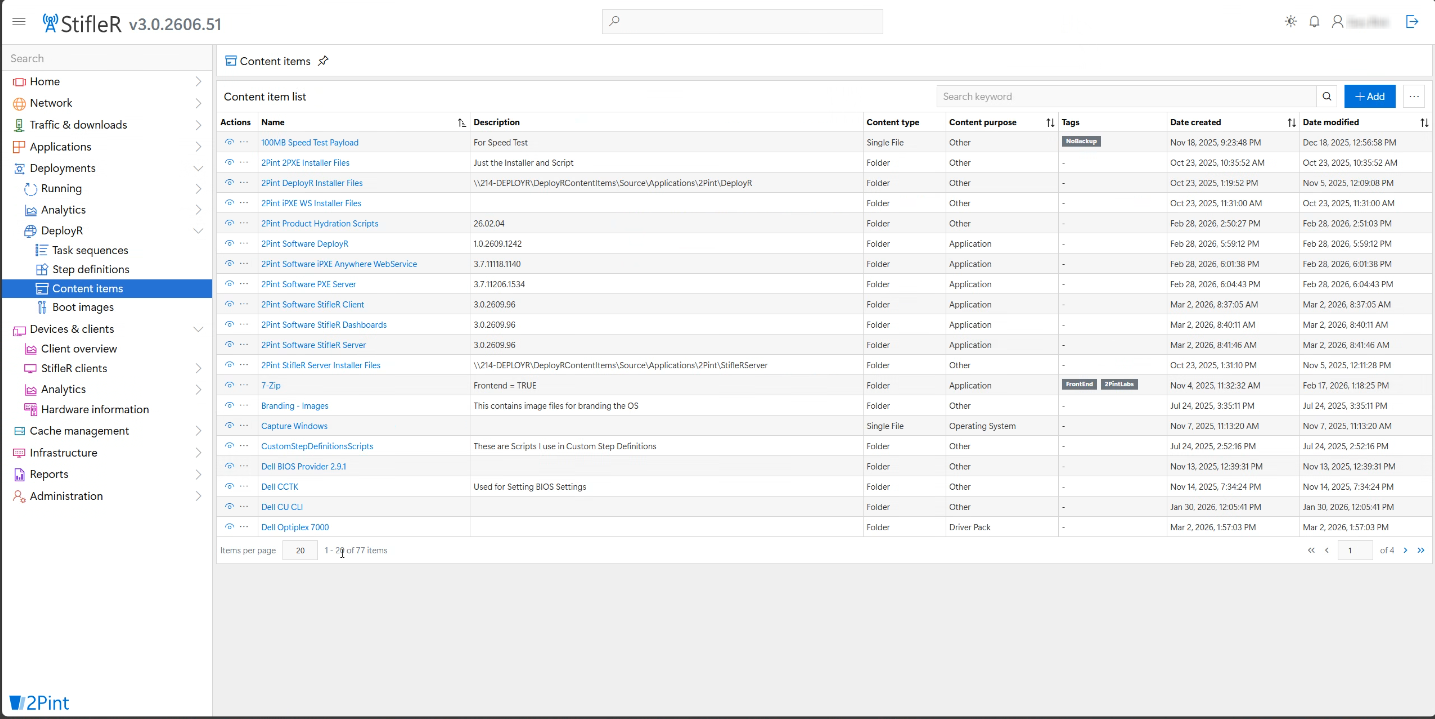
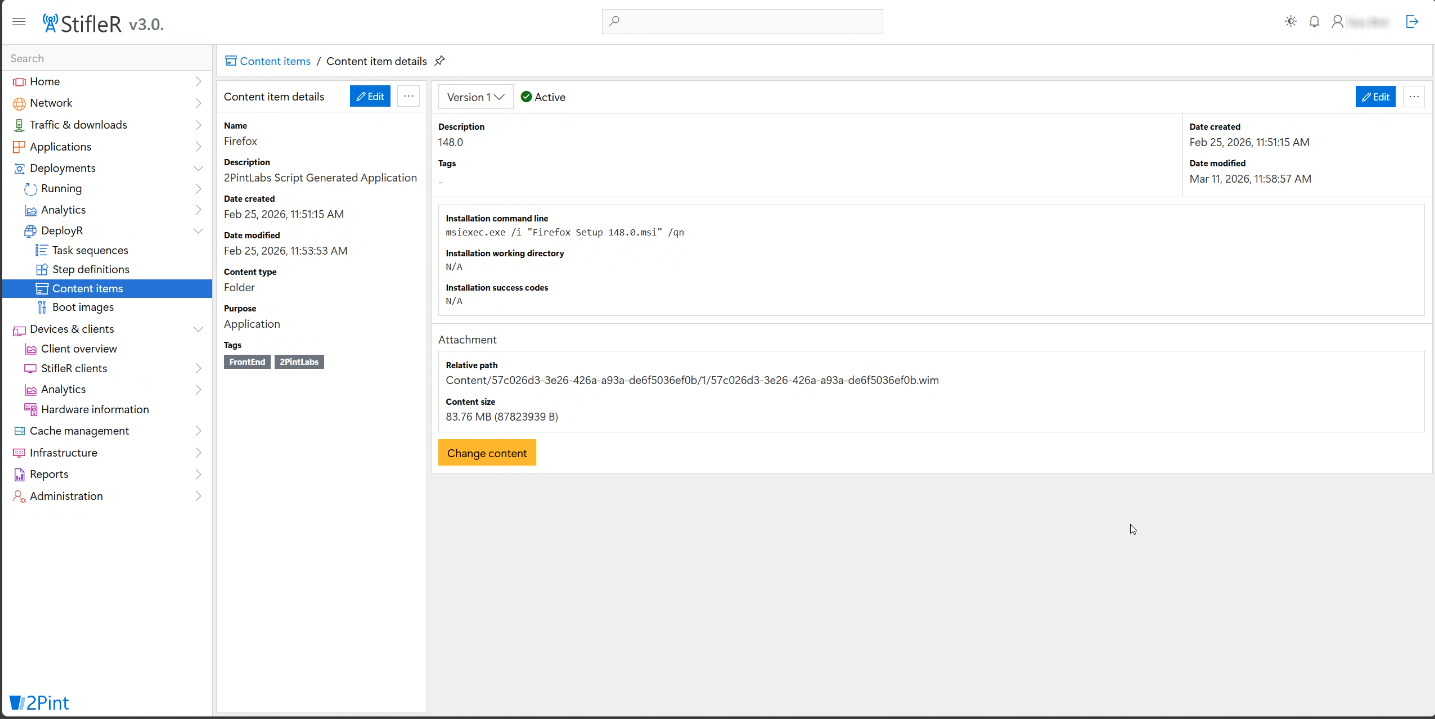
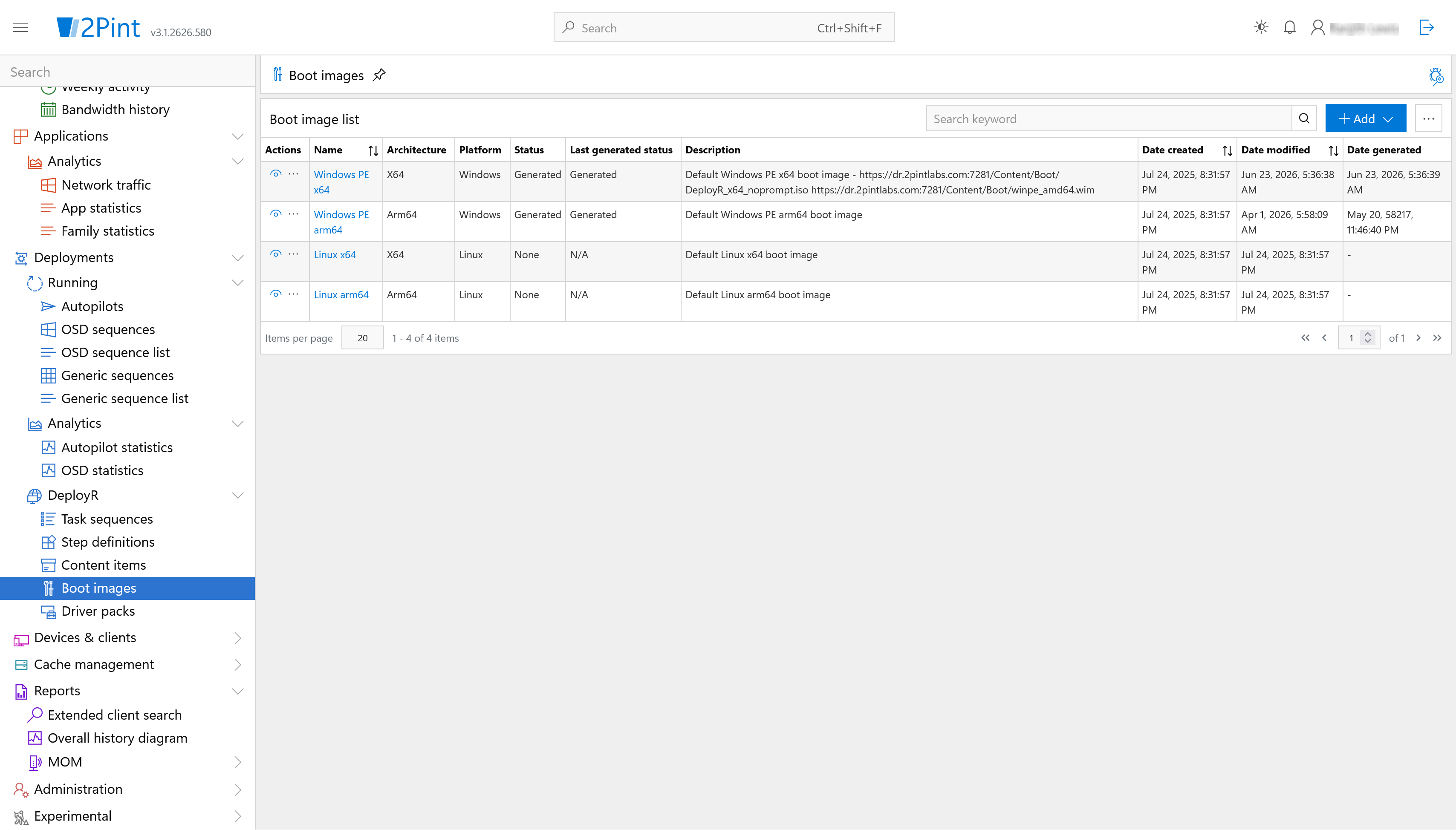
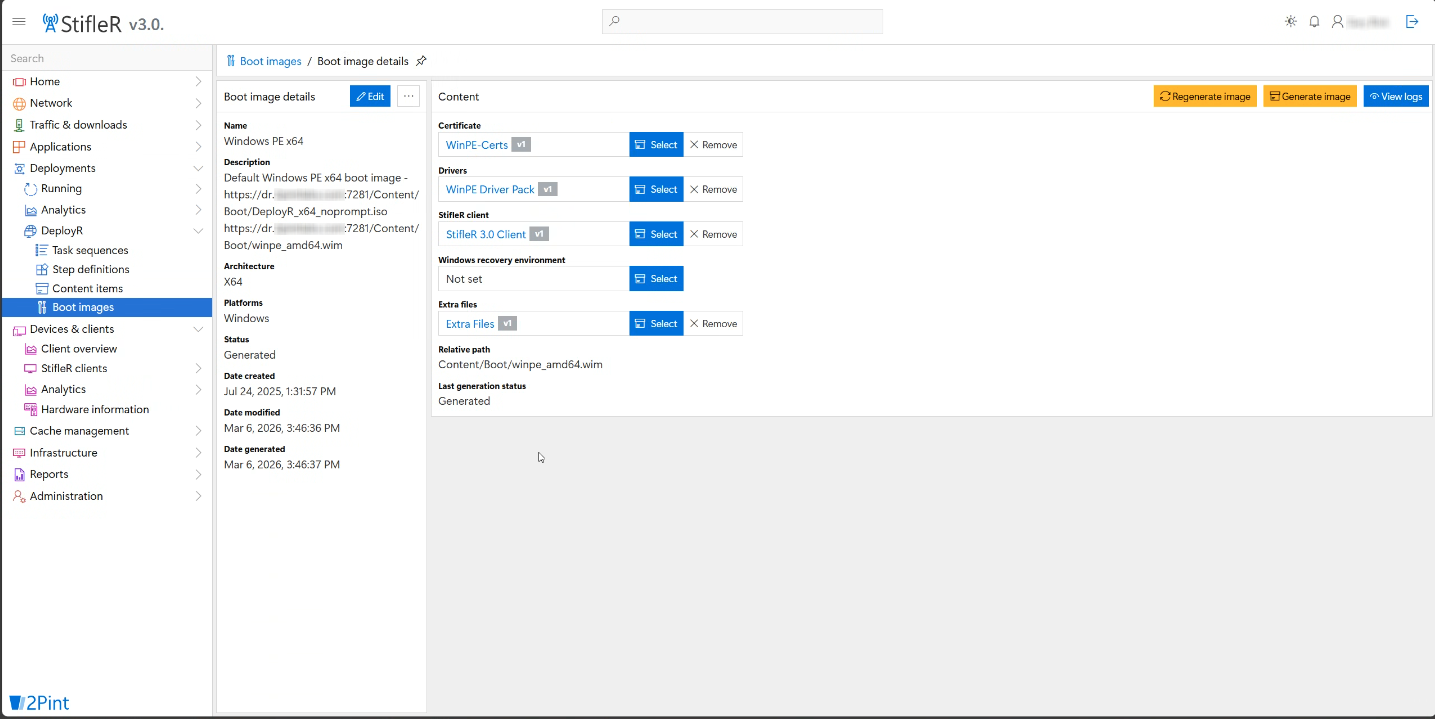
A core component of the 2Pint Software platform, DeployR Enterprise is a next-generation operating system deployment solution. It supports hybrid deployments in the cloud or on-premises (or both!) and it provides a leading-edge task sequence engine, web-based user interface for building sequences, peer-to-peer content sharing, and real-time dashboards for monitoring and analysis of your deployments.

Get started with DeployR Enterprise
Want to get DeployR Enterprise set up in your environment but not sure where to start? We've got lots of great resources for you:
- Watch the DeployR installation video series
- Go through our online documentation for instructions on prerequisites, installation, updating, and getting started
- Check our DeployR webinar recordings
- Search our knowledge base
- Join the conversation at r/DeployR
- Download and install a trial version to test for 30 days.
Systems management capability for deployment
- Core deployment model
- Modern task sequence engine with PowerShell 7-based execution
- Platform support
- Windows, Linux, ChromeOS (cross-platform)
- Hardware support
- Cross-OEM platform — HP, Dell, Lenovo, Microsoft
- Processor support
- ARM and Intel
- Deployment scenarios
- Bare metal, in-place upgrade, refresh
- Authoring experience
- Web-based UI for sequence creation and management
- Image handling
- Supports custom and Microsoft images, dynamic download from Windows Update
- Driver injection
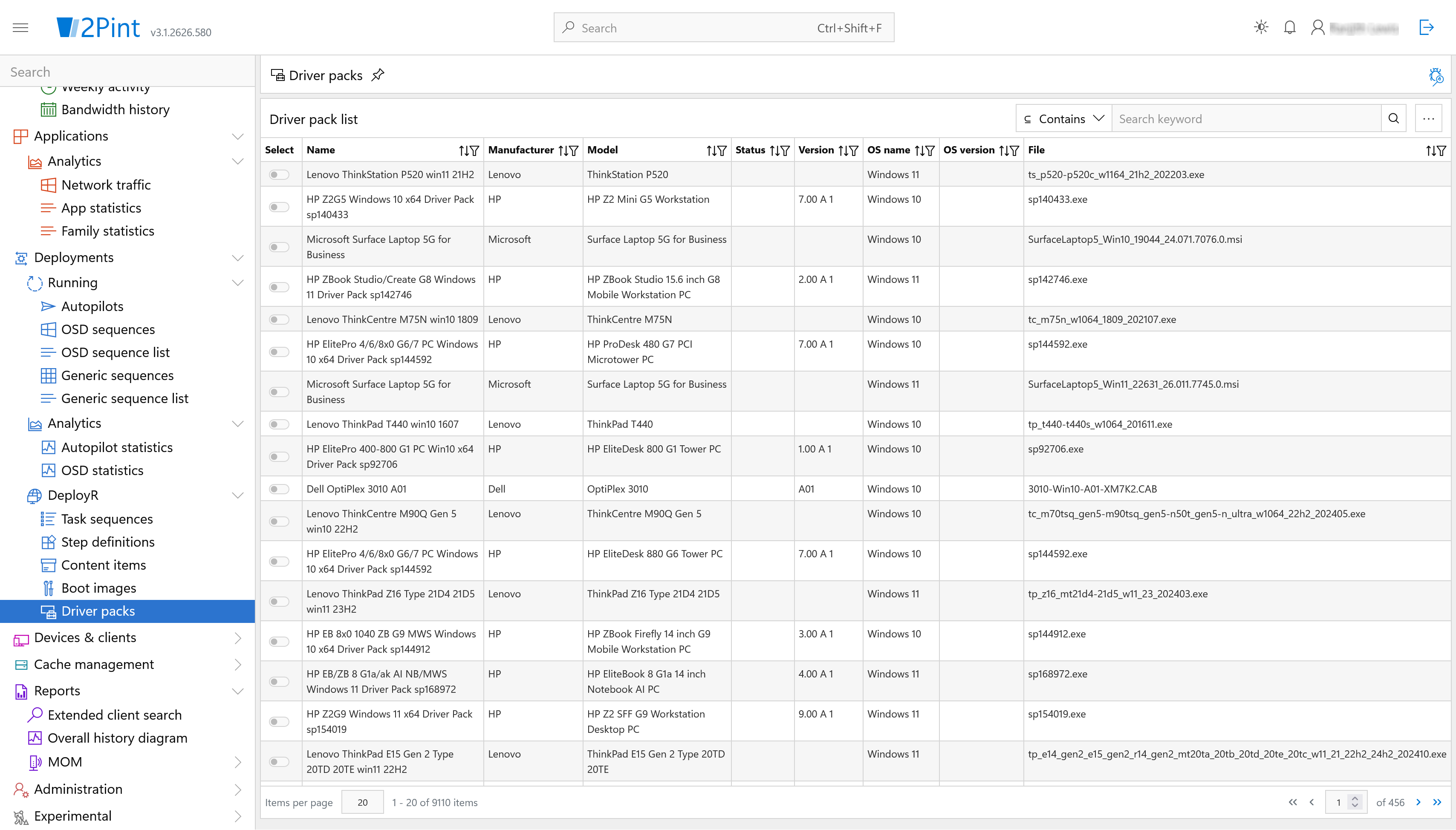
- Automatic download of OEM driver packs, easy import, or manual management of model-specific driver packages
- App installation
- Simple app install method during task sequence with support for Intune .intuneappwin packages and 3rd parties
- Cloud integration
- Native Windows Autopilot integration for provisioning handoff, support for Entra join
- PXE support
- PXE boot from network, cloud, USB, HTTP or HTTPS — centralized with 1 server, secure USB, Wi-Fi
- Monitoring and troubleshooting
- Real-time monitoring and remote troubleshooting via browser and debugger
- Content distribution
- Built-in peer-to-peer (BranchCache) by default, distributed caching leveraging MOM. Full content management available through the StifleR platform at additional cost.
- Infrastructure requirements
- Lightweight — cloud, on-premises, or hybrid flexible deployment
- Extensibility
- Extensible via scripts, templates, and community contributions
Getting started with DeployR: All you need to know
Before jumping onto the essentials for DeployR, we quickly highlight the starting point for those that haven't installed and configured it yet. The quick start guide will give you some of the highlights you need to get started, such as:
- How to get access to the software
- Self-help videos and guides for the pre-requisites and installation of DeployR
- DeployR setup
- Boot media options
- Adding drivers and certificates
- Creating a task sequence
- Config editor settings
- Security options
- Logging
DeployR Enterprise core feature list
| Feature | DeployR Enterprise |
|---|---|
| 2Pint Software support | ✅ |
| Community support | ✅ |
| User initiated task sequence (LTI) | ✅ |
| Built-in PXE capabilities | ✅ |
| Peer-to-peer downloads for PXE boot images | ✅ |
| USB support (offline media or boot media) | ✅ |
| Manual driver management | ✅ |
| Automatic OEM driver management | ✅ |
| ARM64 support | ✅ |
| Peer-to-peer from content source server | ✅ |
| Multi OS platforms (Linux etc.) | ✅ |
| Peer-to-peer for cloud content via MOM server(s) | ✅ |
| Device recovery support | ✅ |
| Real-time/historical analytics (Advanced) | ✅ |
| User/technician driven installation menu management (UDI) | ✅ |
| Push & sequence to device mapping | ✅ |
| Role based access control | ✅ |
| Device role/application role management | ✅ |
| Self-updating USB media i.e. automatic data cache on USB/Disk | ✅ |
| Scale out caching of content servers via MOM server(s) | ✅ |