
Welcome to the early summer roundup, covering May and June when several long-anticipated deadlines arrived: Secure Boot certificates expired, Intune content moved to HTTPS, and DeployR picked up a free Community edition. Add five conferences across two continents, four webinars, and a couple of new faces on the team, and there is plenty to get through. Let’s get into it!
Secure Boot’s June deadline finally arrived
The date the whole industry has been circling for two years came and went in June as Microsoft’s 2011-era Secure Boot certificates expired. Devices that never received the 2023-dated replacements will keep booting, but the Key Exchange Key that authorizes Windows Update to push new entries to the Secure Boot allow list and deny list is now gone — which means no new boot-level revocation can ever reach those machines again. That is a permanent gap in your boot chain!

Johan Arwidmark spent May writing about this. He started with Creating UEFI 2023 Compliant WinPE ISO Files, which goes past the standard recipe of slipstreaming the cumulative update and running MakeWinPEMedia /bootex. It's essential reading if your boot media has to survive the certificate change. He followed that with Secure Boot Rollout Scripts added in May 2026 Security Update, flagging that KB5089549 quietly dropped a SecureBoot\ExampleRolloutScripts folder with seven PowerShell scripts into the root of C:\Windows which is the kind of thing nobody announces but everyone needs to know about. He closed the month with What Are All These New Secure Boot Checkboxes in My BIOS?, a cheat sheet for the new trust settings that OEMs have been adding as they ship UEFI CA 2023 support. Bookmark it! You will be squinting at an HP or Dell BIOS screen soon enough.
If the certificate change has you rethinking how your boot media and recovery paths are built, this is exactly the ground our iPXE Anywhere and RecoveR products are designed to cover.
A free MDT replacement, out in the open
The product story of early summer is DeployR Community going properly public. It's a free, community-supported MDT replacement for organizations that need real task sequences, user-initiated deployments, built-in PXE, USB and offline media, and automatic OEM driver management without an enterprise licence. Given that MDT has not been developed since 2019 and has never officially supported Windows 11, the timing is not accidental. Community support is through r/DeployR, and you can request a license from the DeployR Community product page.
The big reveal came at MMS on May 4, when Andreas Hammarskjöld and Michael Niehaus put it in front of a room at eight in the morning (more on that below). They followed up on June 25 with What’s new in DeployR?, a tour through everything added across 1.1, 1.2, and 1.3, including the Secret Store, which finally gives task sequence authors a sane way to handle credentials, BIOS passwords being the obvious painful example. If you have been running 1.0 since January, that webinar is the fastest way to catch up on all of it at once.
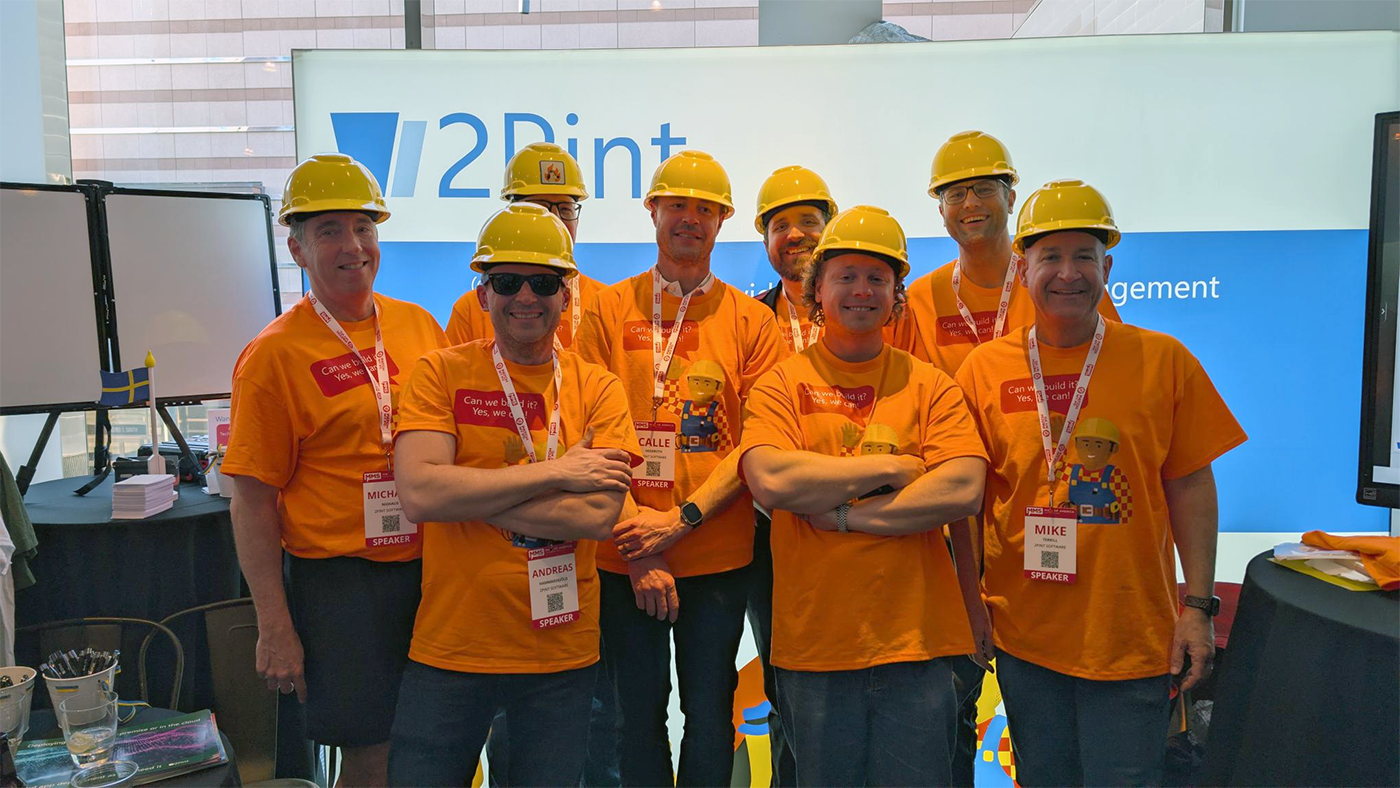
Mike Terrill and Gary Blok kept their DeployR webinar series running either side of that. On May 19 they covered Creating your own content items, working through apps, driver packs, scripts, and OS images, along with tips for importing them from the community or from another DeployR instance. Then on June 16 came Advanced step definitions in DeployR, for anyone who has outgrown wrapping everything in a PowerShell script and wants purpose-built steps their DeployR admins can actually use. Both are on the webinar playlist, and between them they now make a decent from-scratch curriculum.
Delivery Optimization went HTTPS on June 16
Another deadline from a previous roundup came due. As Michael Niehaus warned back in April in Delivery Optimization downloads are changing, is your MCC ready?, Intune content moved to HTTPS on June 16, 2026, and any Microsoft Connected Cache instance that could not serve HTTPS simply stopped caching it. If your Autopilot provisioning got noticeably slower in late June, or your internet egress spiked, that is very likely why. It is also a decent argument for enterprise-grade peer-to-peer content delivery that you actually control, which is what StifleR and CacheR exist to do.
The timing on our June 11 webinar turned out to be about right, then. Andreas Hammarskjöld and Mattias Benninge used Maximizing Endpoint Delivery Optimization to go through the recent changes to Delivery Optimization in Intune and beyond, effective configuration tips, and the community tools and scripts worth knowing about. 2Pint Software picks up from there with live network views, real-time bandwidth control, and peer-to-peer management layered on top of what Windows gives you out of the box. If you are still working out what the HTTPS cutover did to your bandwidth profile, start there.
26H2, and one less reason to run Entra Connect
Michael also had a productive couple of months on Out of Office Hours. In Time to move to Entra Cloud Sync he makes the case for retiring the heavier on-premises sync agent, which matters more than it sounds when hybrid join and Autopilot registration depend on it. Then in Windows 11 26H2 will be an enablement package, posted the day Microsoft confirmed it, he flags the part most people will gloss over. Yes, 26H2 is an enablement package, so no full “OS swap” upgrade this round. But because 26H1 cannot be upgraded to 26H2, that guarantees a full feature upgrade in 2027 to reunify 26H1 with the 24H2/25H2/26H2 line. Michael’s warning is worth quoting in spirit: after two years of enablement packages, make sure your organization has not forgotten how to do a real feature upgrade. Whatever it ends up being called.
Tip #100, and it only took eight years
Mike Terrill hit a milestone with Speeding up OSD tip #100 – WIM Sizes, revisiting a post he wrote back in 2018 about optimizing Windows 10 upgrade WIM sizes. Back then, keeping a patched, trimmed WIM was entirely on the admin. Microsoft now publishes updated media, which changes the calculus — and Mike walks through what that means for upgrade times today. A hundred OSD tips is a serious body of work, and the fact that tip #1 and tip #100 are about the same fundamental problem — moving less content, faster — says something about the shape of this industry.
Conference season in full swing
Five events across two continents in eight weeks, and more than two dozen sessions delivered by 2Pinters!
MMS 2026 at MOA, Bloomington, MN – May 3–7, 2026
MMS at the Mall of America drew 765 attendees for a week of endpoint management sessions, keeping Brian Mason and the MMS crew on their toes. 2Pint Software carried a significant share of the schedule, including kicking the event off with the always popular MMS Brewery Tour sponsored by 2Pint on the Sunday afternoon for networking and, um, research 🍕🧐 and well, more research 🍻🔬.
Monday morning opened with great anticipation as Andreas Hammarskjöld and Michael Niehaus showcased DeployR Community Edition: A Free MDT Replacement to a room full of people nursing unsupported MDT installs since 2019.
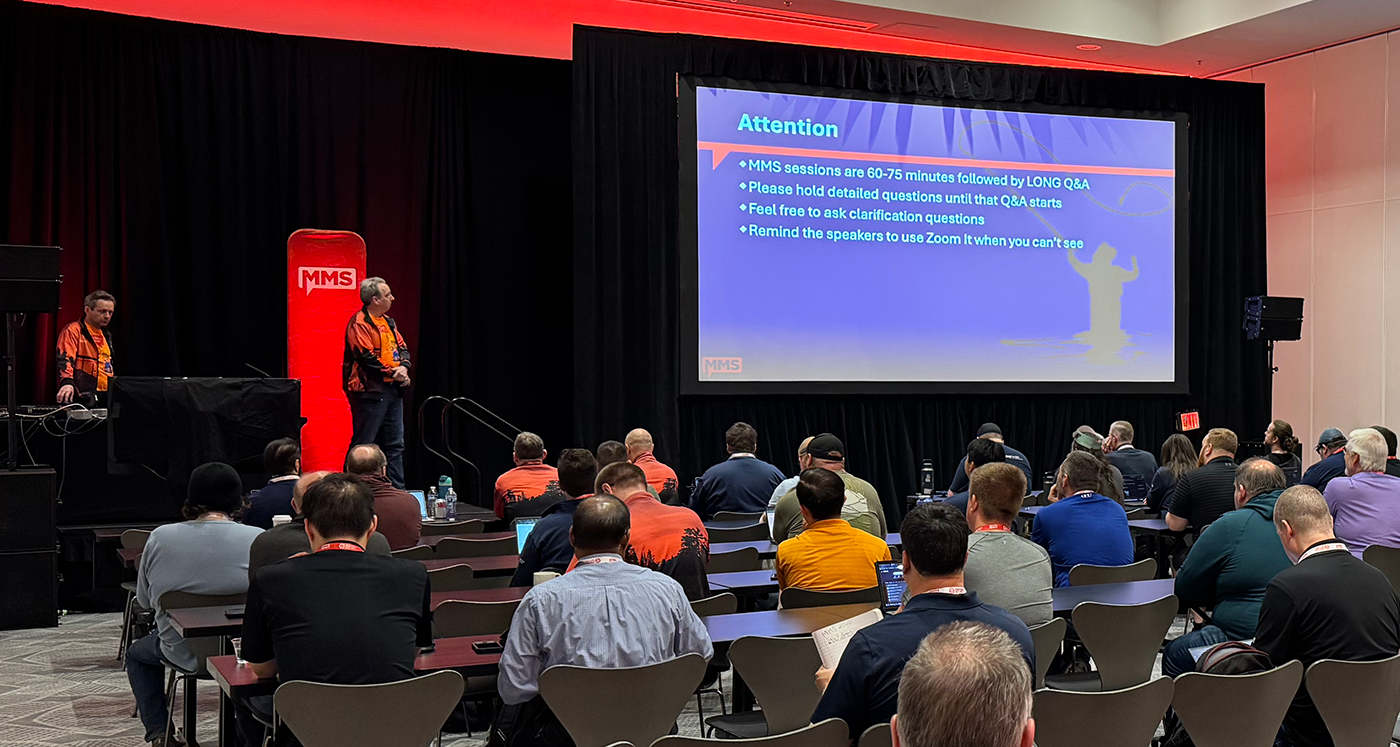
From there the OS deployment track was more or less ours. Johan Arwidmark ran Super-Speed: Enhance OS Deployment Performance, and later in the week Inside Intune: Internals, Diagnostics, and Troubleshooting, From Bluescreens to Scripts, Mastering App Deployment and Lifecycle Management with Intune, and a live edition of Office Hours. Mike Terrill and Gary Blok paired up for OSD Essentials for the Modern Admin and, with the June deadline bearing down, Secure Boot Certificates: 2026 Edition. Gary also took Task Sequence Troubleshooting: OSD and Beyond solo, and Johan and Mike closed the loop together on Beyond Deployment: Sustaining Windows 11 Excellence.
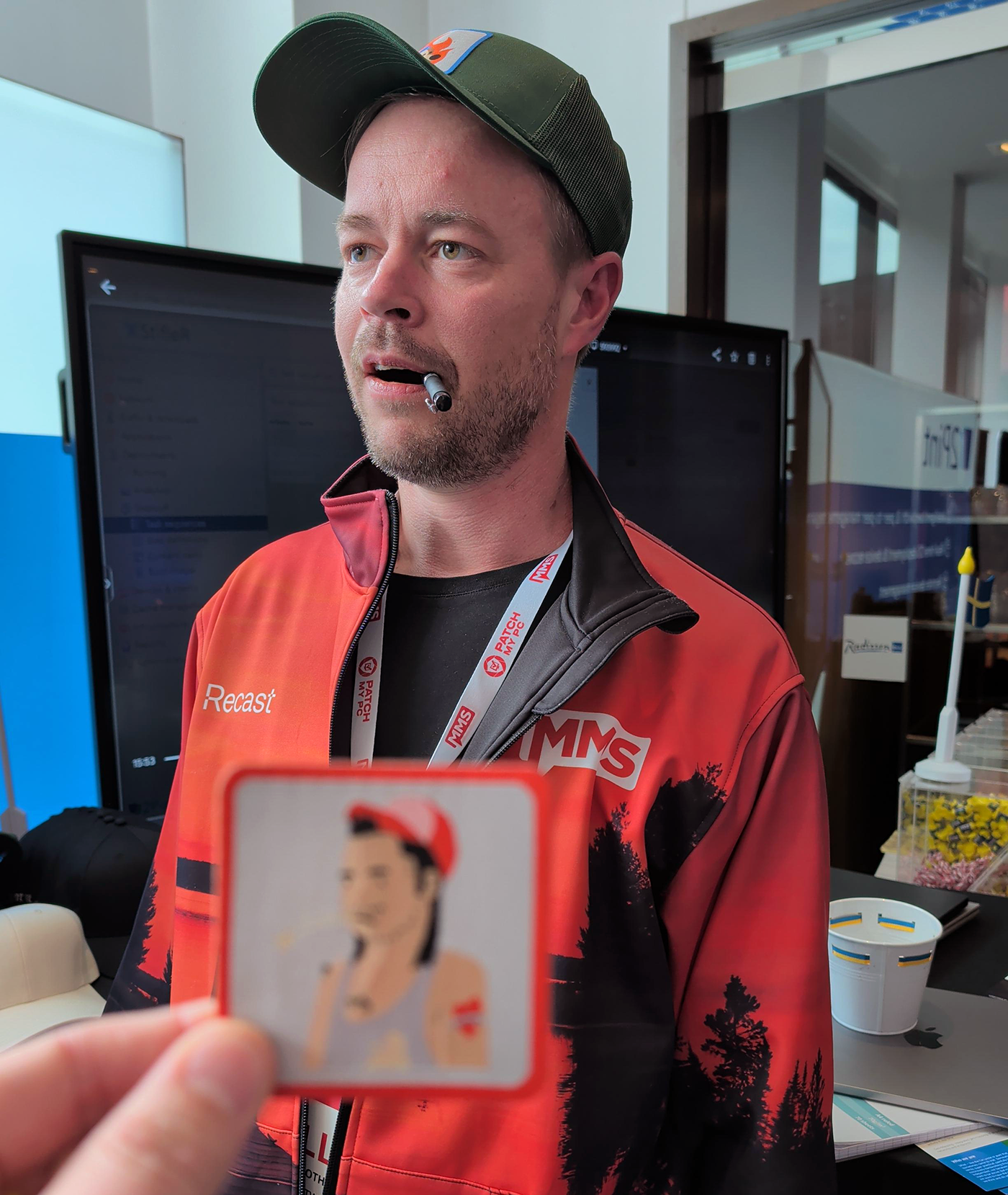
Head of Development Carl-Johan Hederoth made the trip from Sweden and got straight into it, joining Mike Terrill for Ensuring Business Continuity: Challenges in Modern Endpoint Management and Gary Blok for PowerShell and GitHub Copilot: Supercharged Endpoint Management. He also committed fully to the bit, as the photographic record strongly suggests that CJ was "separated at birth" with Peer Cache Pete.
On the network side, Mattias Benninge and Andreas Hammarskjöld ran back-to-back days of Maximizing Endpoint Delivery Optimization and Mastering Delivery Optimization Troubleshooting — six weeks before the HTTPS cutover made all of it considerably more urgent. Mattias also teamed up with Mike Terrill for Build Your Test Lab: No Lab? No Problem!
Michael Niehaus covered Navigating Windows Autopilot, Windows operating system hardening, and — proving the man contains multitudes — Don’t Brick the CEO’s Mac: Building and Automating macOS Labs.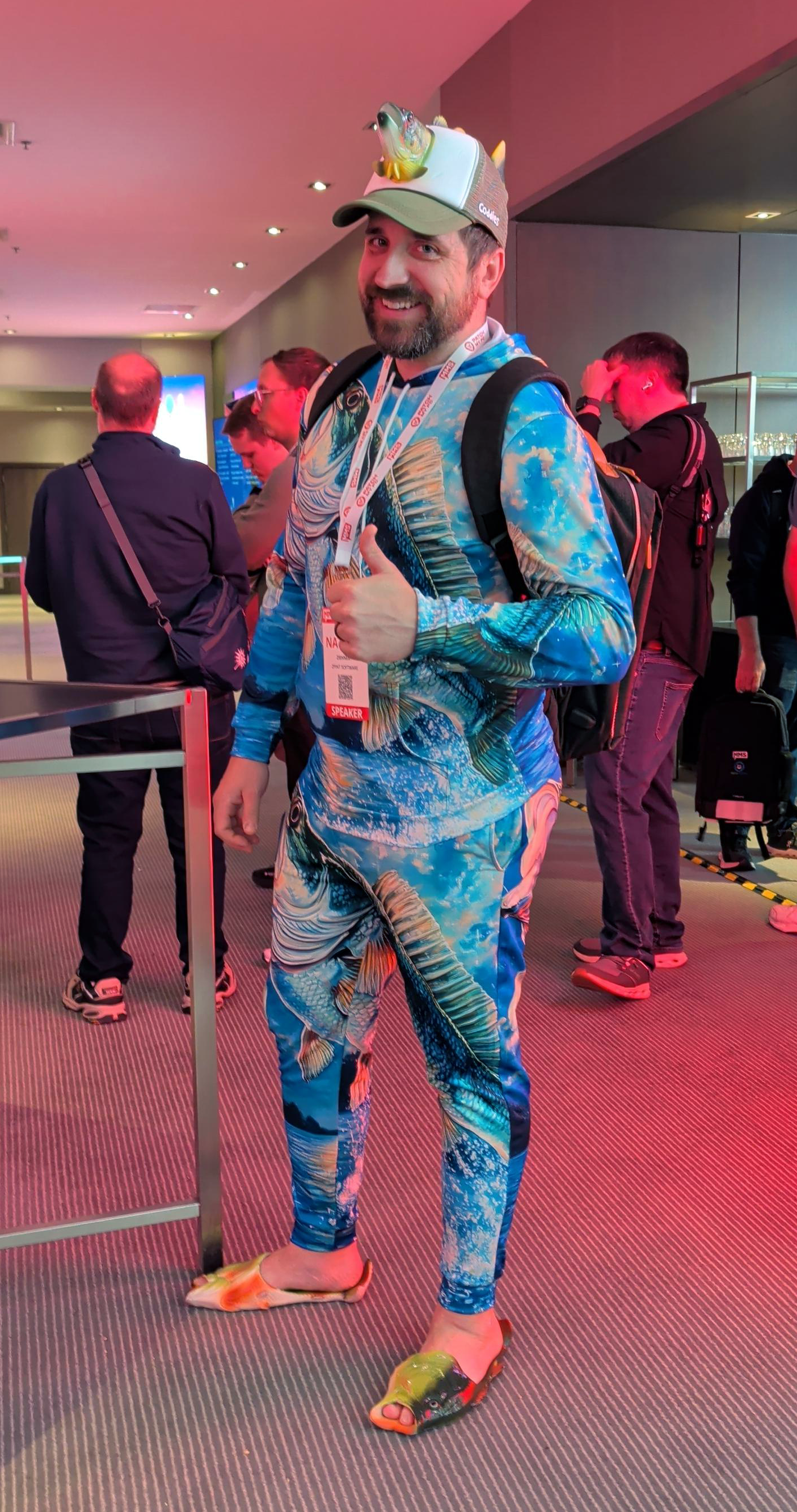 Meanwhile Nathan Ziehnert, barely a few months into the job, delivered four: AI Fundamentals: Demystifying Artificial Intelligence, Hidden Secrets of the PowerShell Masters, PowerShell Hot Takes, and Automating the Un-Automatable: Advanced PowerShell Techniques. Not a bad first outing in a 2Pint shirt (...and other fresh wardrobe looks!).
Microsoft Intune in the Real World, Naperville, IL – May 14, 2026
Johan Arwidmark co-hosted this full-day ViaMonstra on-site event on cloud-native operations and lessons learned, and posted the follow-up resources the next day — a tidy set of links covering everything from Win32 app packaging to DeployR Community and Enterprise. If you could not make it, the link list is a useful reading path on its own.
Workplace Ninjas Norway – May 27, 2026
Three weeks after MMS, Michael Niehaus and Andreas Hammarskjöld were at the Thon Hotel Storo in Oslo for the second edition of Workplace Ninjas Norway. Michael opened the morning with a comprehensive guide to Windows Autopilot scenarios, and the two of them closed the day together with Disaster/recovery for the modern Windows endpoint — a subject that keeps getting less hypothetical. Bare metal provisioning and recovery of devices are what RecoveR and iPXE Anywhere were built for, and if the crowd in Oslo is any indication, interest in enterprise recovery solutions is building.
Experts Live Netherlands – June 1–2, 2026
Experts Live Netherlands is the largest Microsoft community event in the BeNeLux, and 2026 was the first year it ran as a two-day format: a Masterclass Day on June 1, then the main conference at the NBC Congrescentrum on June 2. Michael Niehaus used his afternoon slot for Ten(-ish) learnings from ten years of Windows Autopilot. Autopilot was announced in 2017, but the work started in 2016, which by Michael’s reckoning makes it ten years old and fair game for a retrospective — the learnings, the best practices that grew out of them, and the challenges that are still stubbornly with us.
Experts Live UK – June 11–12, 2026
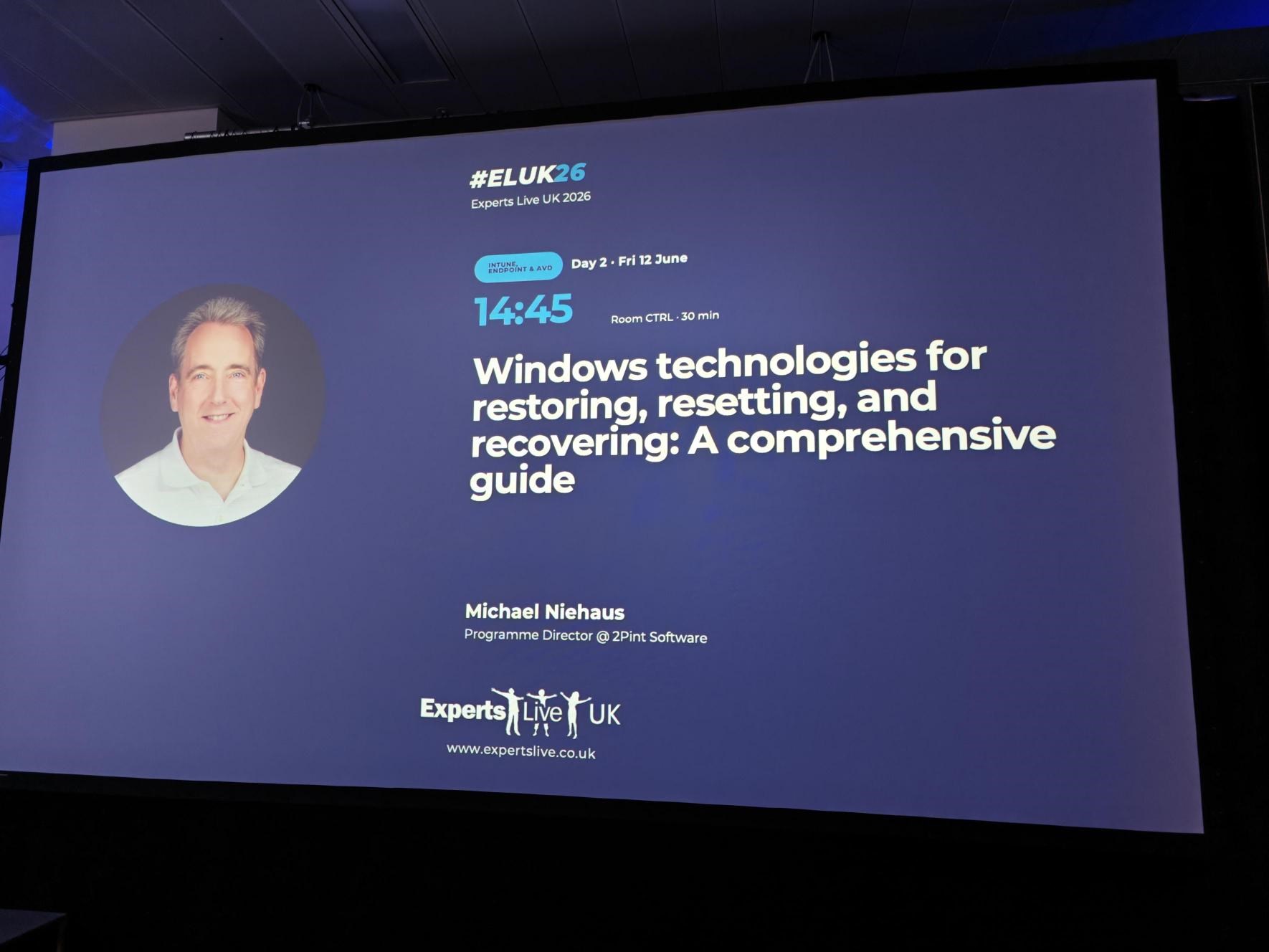
Ten days later he was at Experts Live UK at CodeNode in London, the UK’s largest in-person Microsoft community conference, with roughly 400 attendees across 50-plus sessions and five tracks. Michael’s Friday session was Windows technologies for restoring, resetting, and recovering: a comprehensive guide — which, arriving in the same fortnight as the Secure Boot certificate expiry, was about as well-timed as a conference session gets.
Looking ahead
The back half of the year fills up fast. We'll be starting up a 2Pint Software Happy Hour on Teams a couple of times a month. Join the team for informal demos, tech talk, and general hanging out. Keep an eye on the events page for when and how to join. TechMentor 2026 runs in early at Microsoft’s Redmond campus, and we'll have solid crews on hand for the Workplace Ninja Summit in Baden, Switzerland from September 14–17, and MMS 2026 Midway Edition at the Manchester Grand Hyatt in San Diego from October 25–28.
Thanks for reading!

Top Posts
2Pint Software and Omnissa partnership: Closing the gaps in OS deployment, bare-metal imaging, bandwidth optimization, and endpoint recovery
2Pint Software blog roundup - early summer 2026 edition
2Pint Software blog roundup - spring 2026 edition

By Ranjith Lewis
By David Meurer
By David Meurer
By Andreas Hammarskjöld